If you've already read our guide to Pinterest for Food Bloggers and set up your profile and boards, this post is the next layer: the specific technical and on-page factors that determine whether your recipe pins actually rank in Pinterest search. Pinterest works less like a social feed and more like a visual search engine, and recipe content in particular has its own ranking mechanics worth understanding in detail.
1. Pinterest Is a Search Engine, Not a Feed
Before getting into tactics, it's worth resetting how you think about the platform. Pinterest's own data shows that the large majority of top searches are unbranded, meaning people are searching for a type of dish or technique, not a specific creator or blog. That's good news for smaller accounts: follower count barely matters on Pinterest, since search optimization is the primary driver of visibility.
What does matter is a combination of signals working together. Pinterest evaluates how well your title, description, board category, and even the text on your image align with what a user is searching for or interested in, and it layers in image recognition to understand what's visually inside the pin. In practice, that means your keyword strategy and your image design aren't separate tasks. They're the same task, evaluated together.
Building a recipe blog Pinterest can actually recommend?
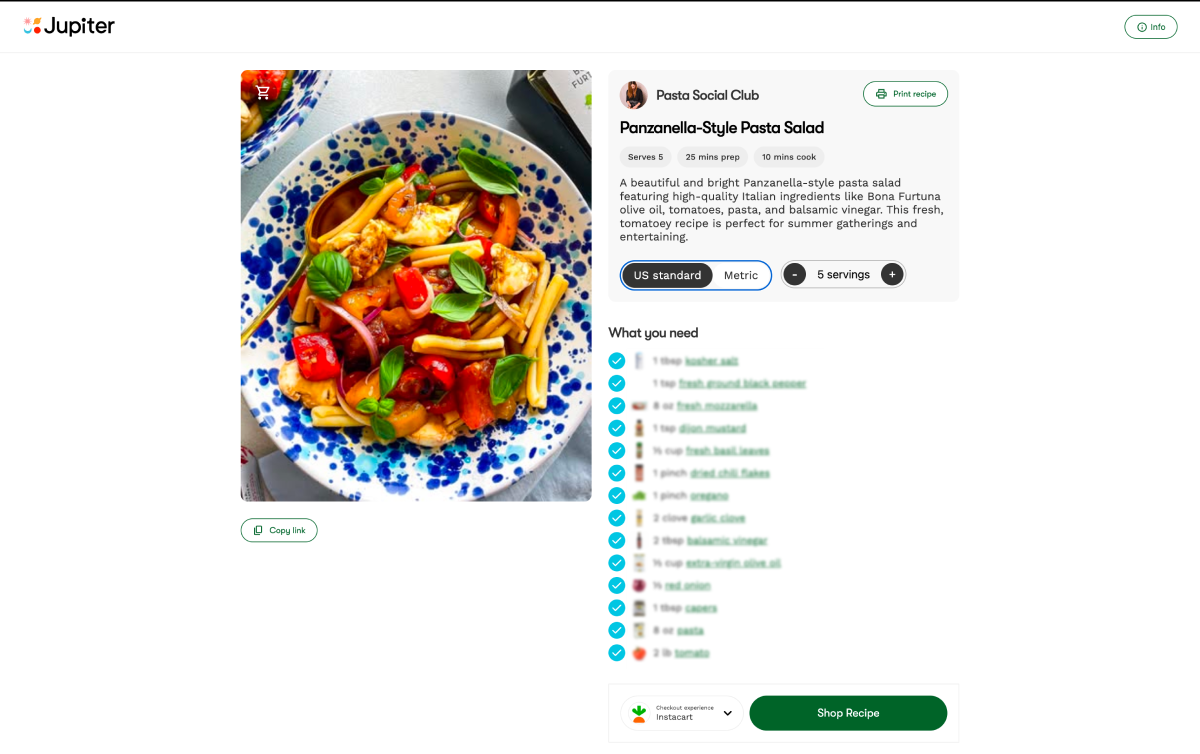
A free Jupiter recipe site comes with clean, fast-loading recipe pages built for search, so every pin you create points to a landing page that reinforces the click instead of undercutting it.
2. Keyword Research: Start Inside Pinterest, Not Outside It
Skip generic keyword tools for this step. Pinterest's own search bar and guided search are the most direct source of the phrases people actually type. Type a broad term like "chicken dinner" and watch the autocomplete suggestions and the related pill-shaped terms that appear underneath the results. These reflect real, current search behavior on the platform, not estimated volume from a third-party tool.
The pattern that keeps showing up across current guidance is a preference for specificity. Targeting a keyword that's too broad, like "recipes," puts a new pin against millions of established pins, while a more specific phrase like "high protein breakfast meal prep" targets a narrower audience and gives a smaller account a real chance of ranking. For a recipe blog, that usually means combining the dish with a modifier: dietary need, cook time, season, occasion, or equipment. "Dinner" loses to "30-minute one-pan chicken dinner."
Once you have a keyword, use it consistently. If your pin says one thing, your board says another, and your description uses a third phrase, Pinterest can't confidently place the content in one category. When the language lines up across all three, reach tends to improve noticeably.
3. Where Keywords Actually Belong
Pinterest reads your account at three levels, and each one needs its own keyword pass.
Profile: Your display name and bio should state your niche in plain language. A name like "Sara | Weeknight Dinners" tells Pinterest (and a human scanning search results) exactly what to expect before they open a single pin.
Boards: Board titles and descriptions carry more ranking weight than most food bloggers assume. A board named "Food Ideas" is too vague, while "Healthy Dinner Recipes" is specific enough for Pinterest to categorize confidently, and a short board description reinforces that further. If your account still has a catch-all "Recipes" board, splitting it into narrower, keyword-specific boards is one of the highest-leverage changes you can make.
Pins: This is where most of the SEO work happens.
Title: Lead with the primary keyword in the first 40 characters, since that's what survives truncation in the feed, and phrase it as a promise worth clicking rather than a flat label.
Description: Two to four sentences, keyword near the start, natural variations worked in rather than repeated. Keyword stuffing reads as spam to both users and the algorithm.
Text overlay: Pinterest reads the text on your image, so a clear, keyword-bearing headline on the graphic reinforces relevance and earns the click.
Alt text: Don't leave this blank. Current guidance treats it as a meaningful ranking input as well as an accessibility feature, so describe the dish plainly and include the keyword.
4. Pin Design for Search, Not Just Style
Design and SEO overlap more on Pinterest than on almost any other platform, because the algorithm is partly reading your image.
Stick to the standard vertical format, 2:3 ratio (1000×1500px). Vertical pins take up more space in the feed, are easier to read on mobile, and consistently outperform square or horizontal formats. Show the finished dish clearly, since Pinterest actively analyzes the image itself, and a recipe pin performs better when it shows the finished result rather than a process shot alone.
Create multiple pin designs per recipe rather than a single image. Different visuals targeting the same keyword cluster, published over time, give you more surface area in search without diluting relevance, and let you test which composition earns more saves.
Turn Pinterest saves into brand income
Once a Pinterest search brings a reader to your site, Jupiter connects you with 65+ CPG brands (Banza, Pete and Gerry's, Bonafide Provisions, General Mills, and more), premium ad networks, and Instacart affiliate commerce, so that traffic actually converts to revenue.
5. Rich Pins: The Technical Layer Most Bloggers Skip
Recipe Rich Pins are one of the most underused SEO levers available to food creators, largely because the setup has historically involved schema markup, meta tags, and a validation step that feels more technical than it needs to be.
Here's what they actually do. Recipe Rich Pins automatically sync information from your site directly onto the pin: title, serving size, cook time, ratings, diet preference, and a list of ingredients. If you edit the recipe on your site, the rich pin updates automatically to reflect the change, so you're not maintaining two versions of the same content.
The SEO case for enabling them is straightforward: they give Pinterest more structured, machine-readable context about your page, which reinforces relevance signals. Article and Recipe Rich Pins pull additional metadata from your site and display it directly on the pin, making it more informative, more professional, and more likely to earn a click. There's also a real case for reader experience: seeing the ingredient list up front helps a searcher decide, before clicking, whether they actually have what the recipe needs on hand, which tends to produce a more qualified click rather than a bounce.
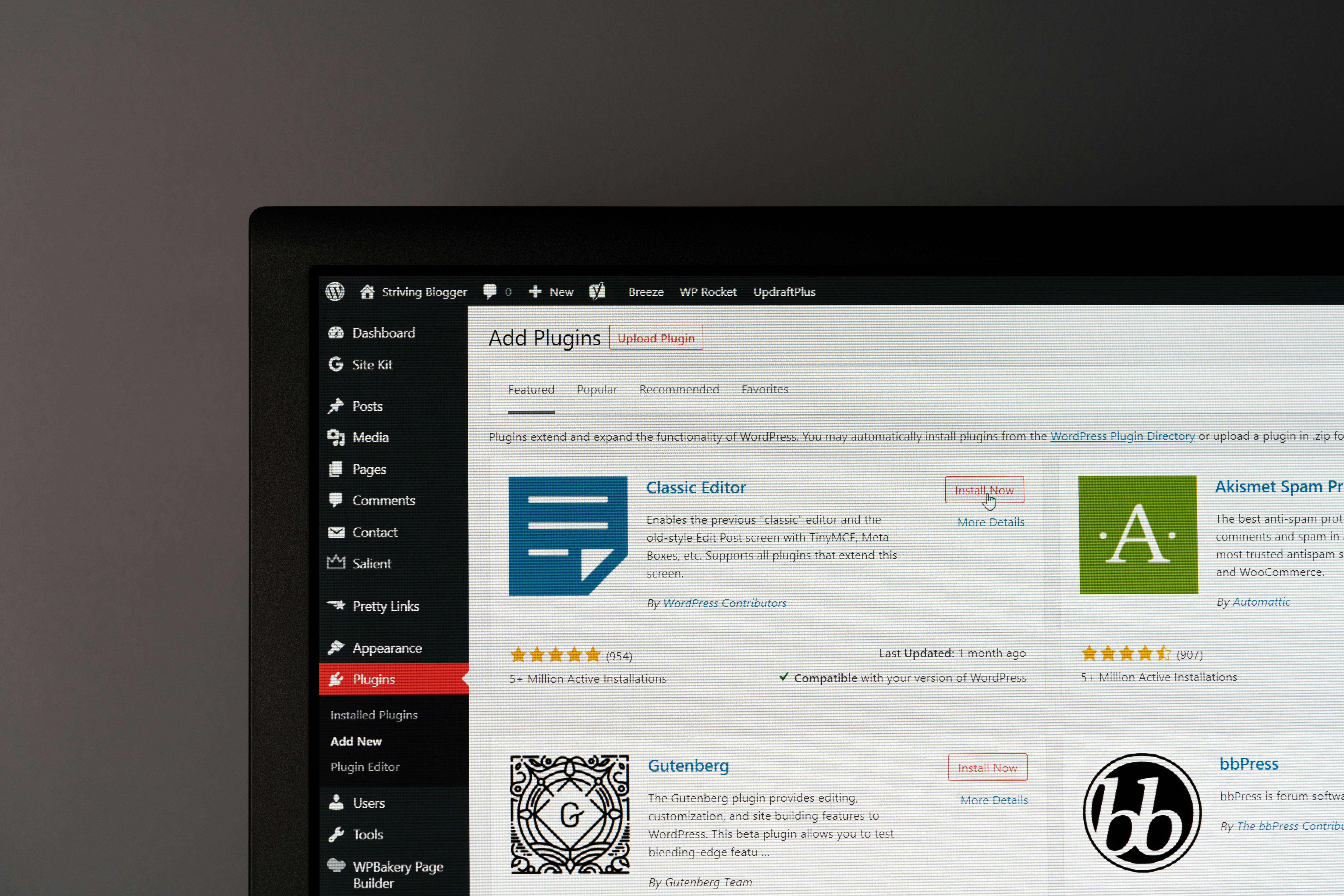
How the technical setup traditionally works, for context: you need a Pinterest business account, your site connected to Pinterest, and Open Graph or Schema.org metadata added to the site, typically through a recipe card plugin if you're on WordPress. Note that the standalone Rich Pins Validator tool that used to be required for every new domain has largely been phased out; Pinterest no longer requires manual validation the way it once did, since properly tagged pages are picked up automatically once the metadata is in place.
This is exactly the layer where most bloggers either get stuck or quietly skip the feature altogether, which is a missed opportunity given how much ranking value it adds for very little ongoing effort. Jupiter's free recipe websites ship with Rich Pins markup built in, so recipe schema and Open Graph tags are already correctly structured the moment a post publishes. There's no plugin to configure and no metadata to troubleshoot; every recipe on a Jupiter site is Rich-Pin-ready by default.
6. Posting Cadence and Tools
Pinterest still rewards a steady drip of fresh content over sporadic bursts. Because Pinterest content is evergreen, pins continue to surface in search as users engage with and collect them over time, so consistency compounds rather than resets each week the way it does on faster-moving platforms.
Scheduling tools like Tailwind remain the standard way food bloggers manage this without pinning manually every day. Tailwind lets you batch-create pins, queue them across boards on a set cadence, and track which designs and keywords are earning saves, which is useful data for refining titles and descriptions over time. It isn't required. Pinterest's own scheduler covers the basics. But for bloggers publishing multiple pin variations per recipe across several boards, a dedicated tool saves meaningful time.
A reasonable starting cadence for a smaller account is a handful of pins per day, split between brand-new content and re-pinned or refreshed older content. Refreshing an older pin's description or creating a new image for an existing recipe is a legitimate way to re-enter search rankings without writing a new blog post.
Stop troubleshooting plugins. Start pinning.
Jupiter's recipe websites are free, SEO-optimized, and Rich-Pins-ready from day one, so your Pinterest strategy has a landing page that's already doing its part.