Ask ten established food bloggers what tools they use and you'll get ten different stacks, but the categories are always the same: something to shoot and edit photos, something to display recipes properly, something to manage an email list, something to handle SEO, and increasingly, something to manage DMs and brand deals. Each tool solves one specific gap, and gaps add up to a lot of subscriptions.
Here's a practical rundown of what actually matters in each category in 2026, what's free, what's worth paying for, and where a single platform can replace a chunk of the stack entirely.
Photography and Editing Tools
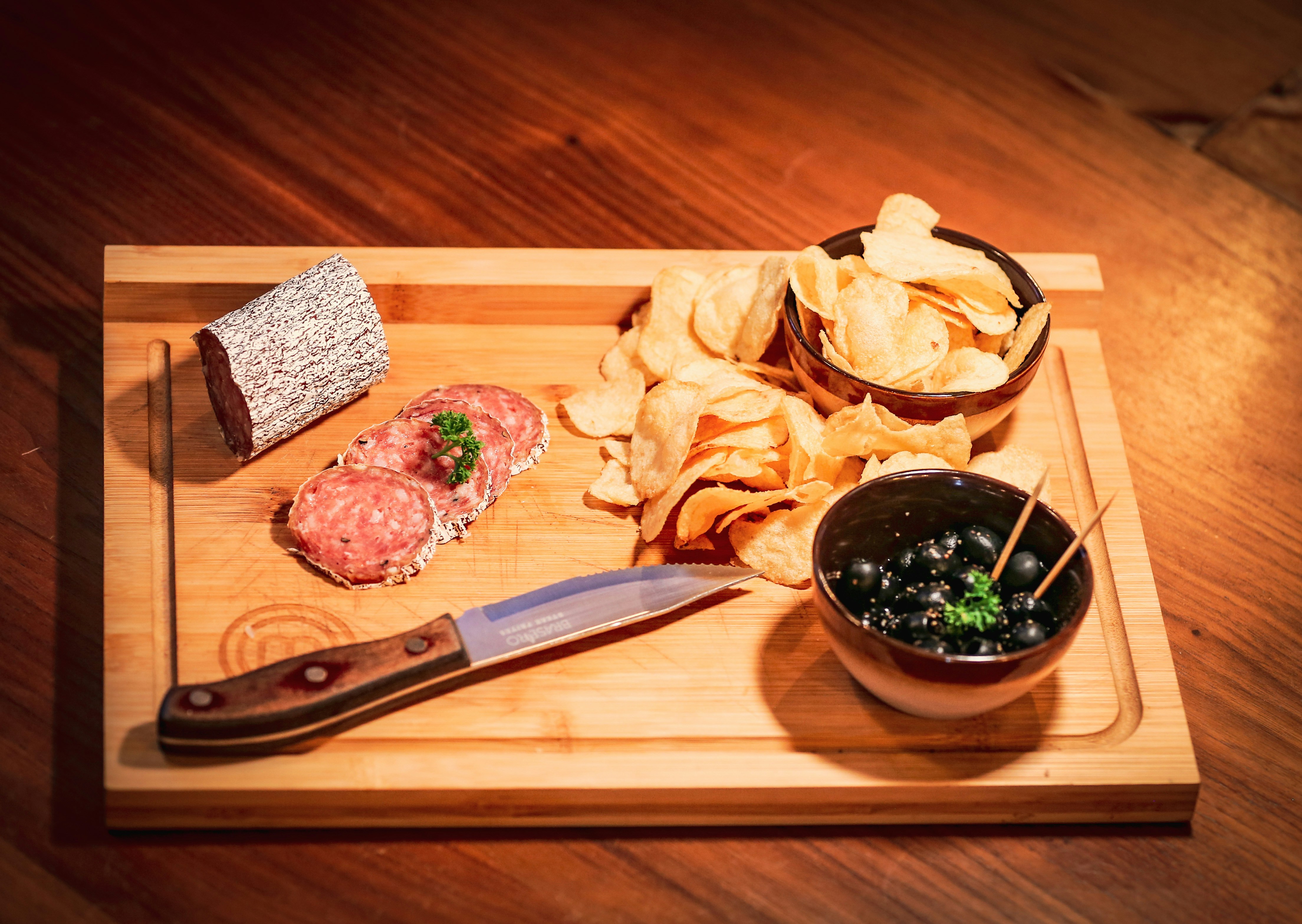
Food photography sells the recipe before anyone reads a word of it, and the good news is the barrier to entry is lower than most "what you need" lists suggest.
Camera: An entry-level DSLR or mirrorless camera gives you control over focus, exposure, and depth of field that a phone camera can't fully replicate, but it's genuinely optional starting out. Plenty of established bloggers started with a smartphone and upgraded once income justified it.
Editing: Adobe Lightroom is the industry standard for food photography editing, available as part of Adobe's Photography plan alongside Photoshop. For anyone not ready for a paid subscription, Lightroom Mobile's free tier and Canva both offer real editing capability, Canva in particular has become a genuine substitute for basic graphic work, recipe card thumbnails, and social image creation without a design background.
Batch shooting: This isn't a tool, it's a workflow habit worth adopting alongside whatever gear you use: shooting five to eight recipes in a single session keeps lighting and setup consistent and can generate a month's worth of content in one sitting.
The practical starting stack: a smartphone or entry-level DSLR, free Canva or Lightroom Mobile, and a consistent batch-shooting habit. Upgrade equipment and software as income from the blog justifies it, not before.
Recipe Display Tools
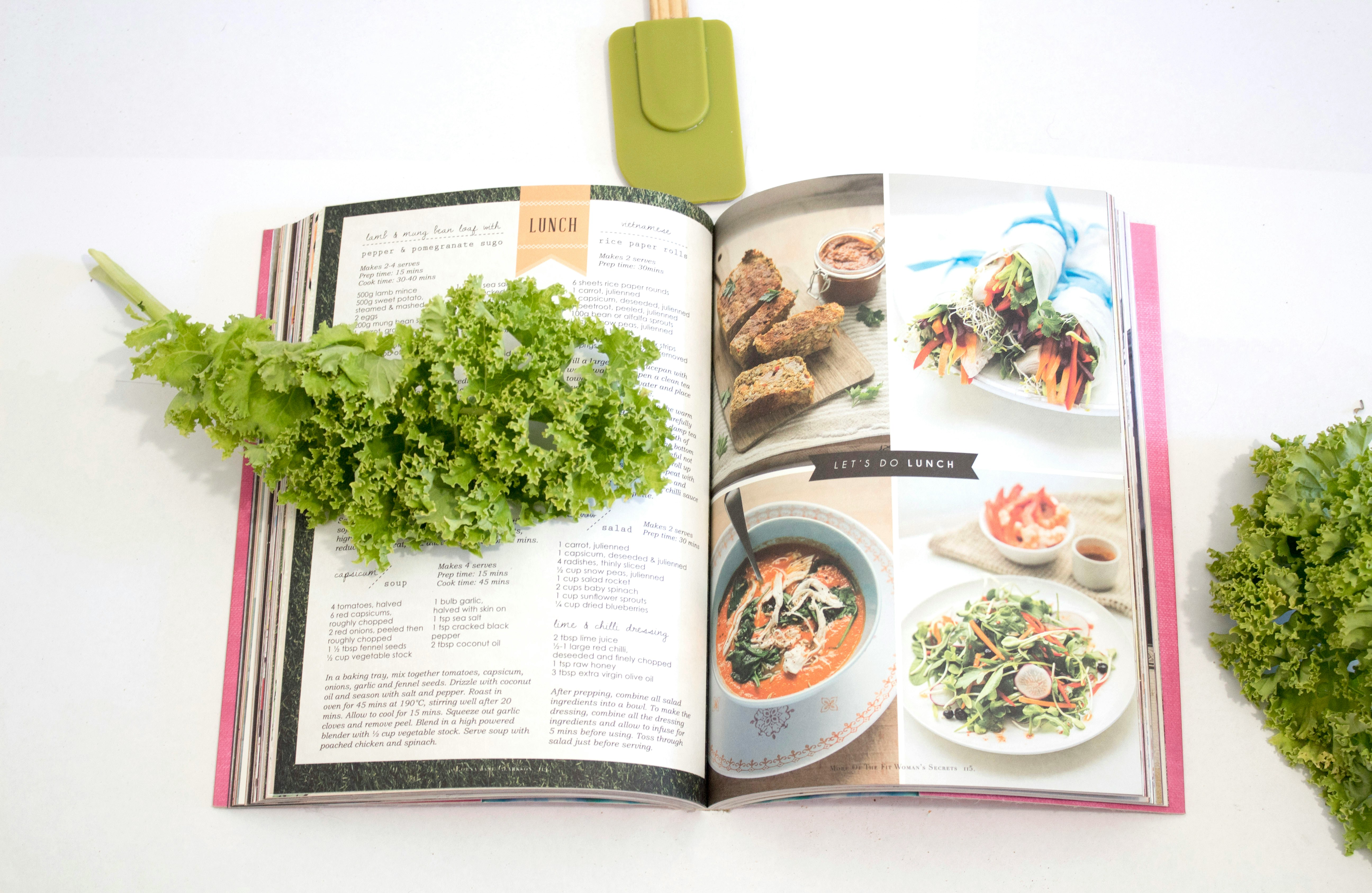
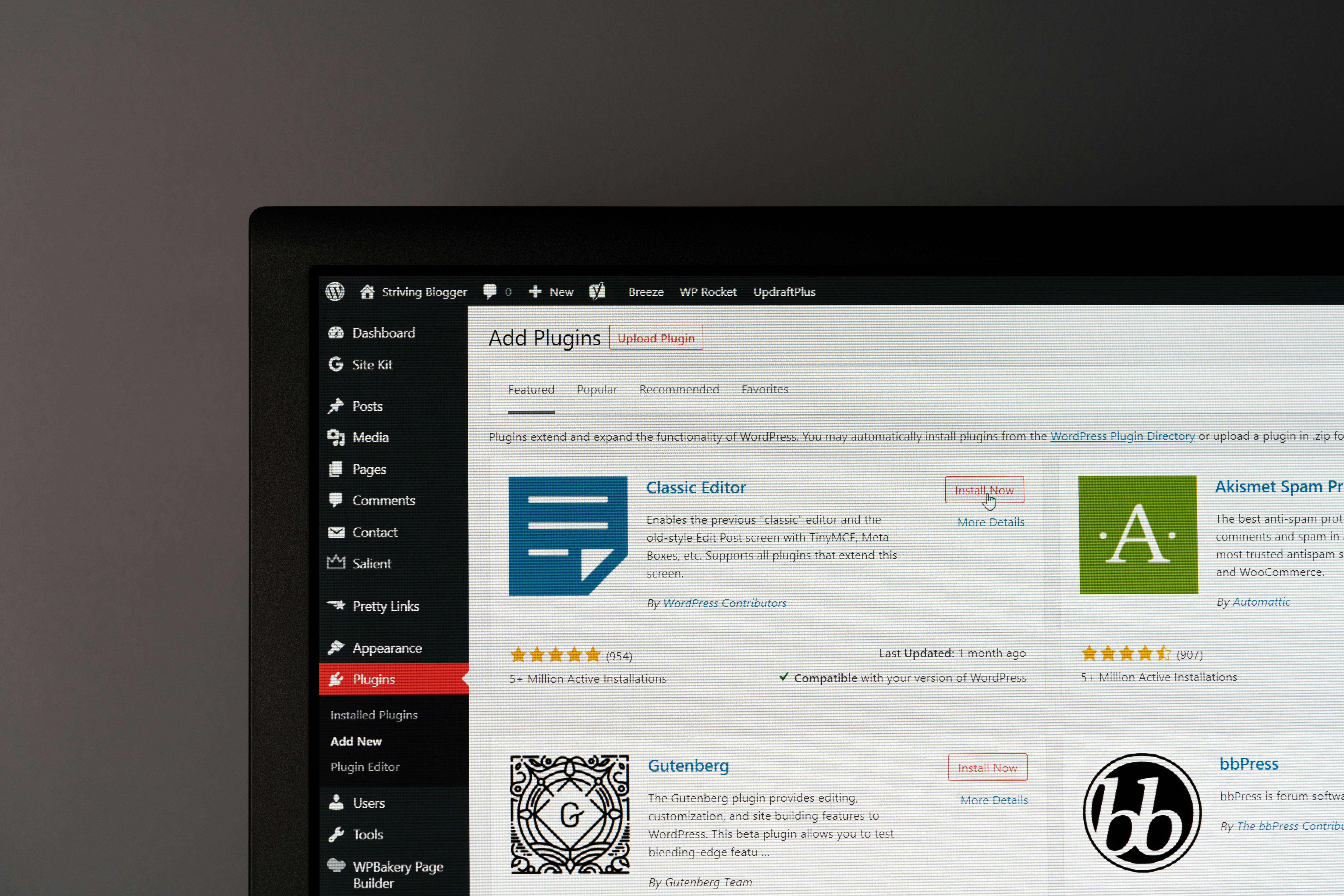
This is one of the most-researched tool categories among food bloggers, and for good reason: WordPress doesn't natively understand what a recipe is, doesn't output recipe schema, and doesn't optimize images for recipe use cases. Recipe card plugins exist specifically to fill that gap.
The major WordPress options, WP Recipe Maker, Tasty Recipes, and Feast, each solve this differently, with tradeoffs across cost, design flexibility, and setup complexity. If you're actively comparing them, that decision deserves its own deep dive rather than a summary here.
What's worth flagging at the category level: every one of these plugins exists to patch a gap in generic website infrastructure, and each one adds its own cost, plugin maintenance, and performance overhead on top of your hosting and theme. A platform built specifically for food content, where the recipe card, schema output, and image optimization are native rather than bolted on, sidesteps this category of tool entirely.
Skip the Plugin Stack Entirely
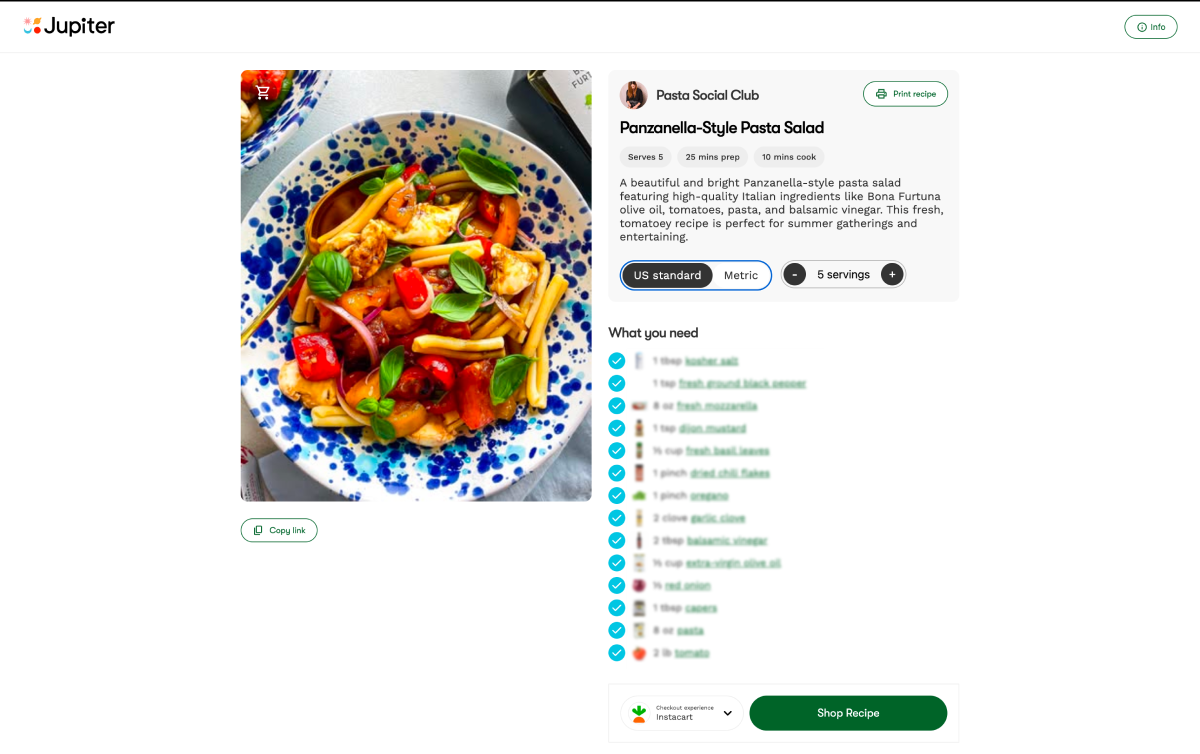
Jupiter's free branded recipe website has native recipe cards, built-in schema markup, and automatic image optimization, no plugin licenses, no compatibility checks, no separate speed optimization project.
Email Marketing Tools
Your email list is one of the few audiences you actually own, unaffected by algorithm changes on any platform. Kit (formerly ConvertKit) has become the most commonly recommended email tool among food bloggers specifically, largely because it was built with content creators in mind rather than retail as its primary use case. It offers a genuinely useful free tier for smaller lists, clean automation for welcome sequences and follow-ups, and forms designed to convert without heavy design work.
Mailchimp remains a familiar, longstanding option, though many bloggers who've used both describe Kit as faster to set up and better suited to a creator's actual workflow, rather than an ecommerce-first tool retrofitted for content.
Whichever tool you choose, the important part isn't the platform, it's starting. An engaged list of even a few thousand subscribers becomes valuable for newsletter sponsorships, digital product launches, and affiliate promotions well before your blog hits significant traffic.
SEO and Site Performance Tools
Yoast SEO remains a widely used free tool for on-page SEO basics: sitemaps, metadata control, and readability guidance that helps content actually get found.
WP Rocket and similar caching plugins address site speed, which matters both for reader experience and for search ranking, particularly for image-heavy food blog pages.
Akismet filters spam comments, a small but genuinely time-saving tool once a blog starts getting real traffic and, unfortunately, real spam.
Each of these plugins is solving a problem that exists because WordPress is general-purpose software being adapted for a specific, image-heavy, schema-dependent use case. That's not a criticism of the plugins, they're well-built for what they do, but it's worth naming the pattern: a food-specific platform with SEO fundamentals and speed optimization handled at the infrastructure level removes an entire layer of plugin selection and maintenance.
Social Scheduling and Growth Tools
Tailwind remains a commonly used scheduling tool for Pinterest, letting bloggers batch and space out pins rather than manually pinning throughout the day, which matters since consistent pinning cadence is a meaningful factor in Pinterest's algorithm.
Canva, again, does double duty here for creating on-brand social graphics, Pinterest pin designs, and Instagram Story templates without a separate design tool.
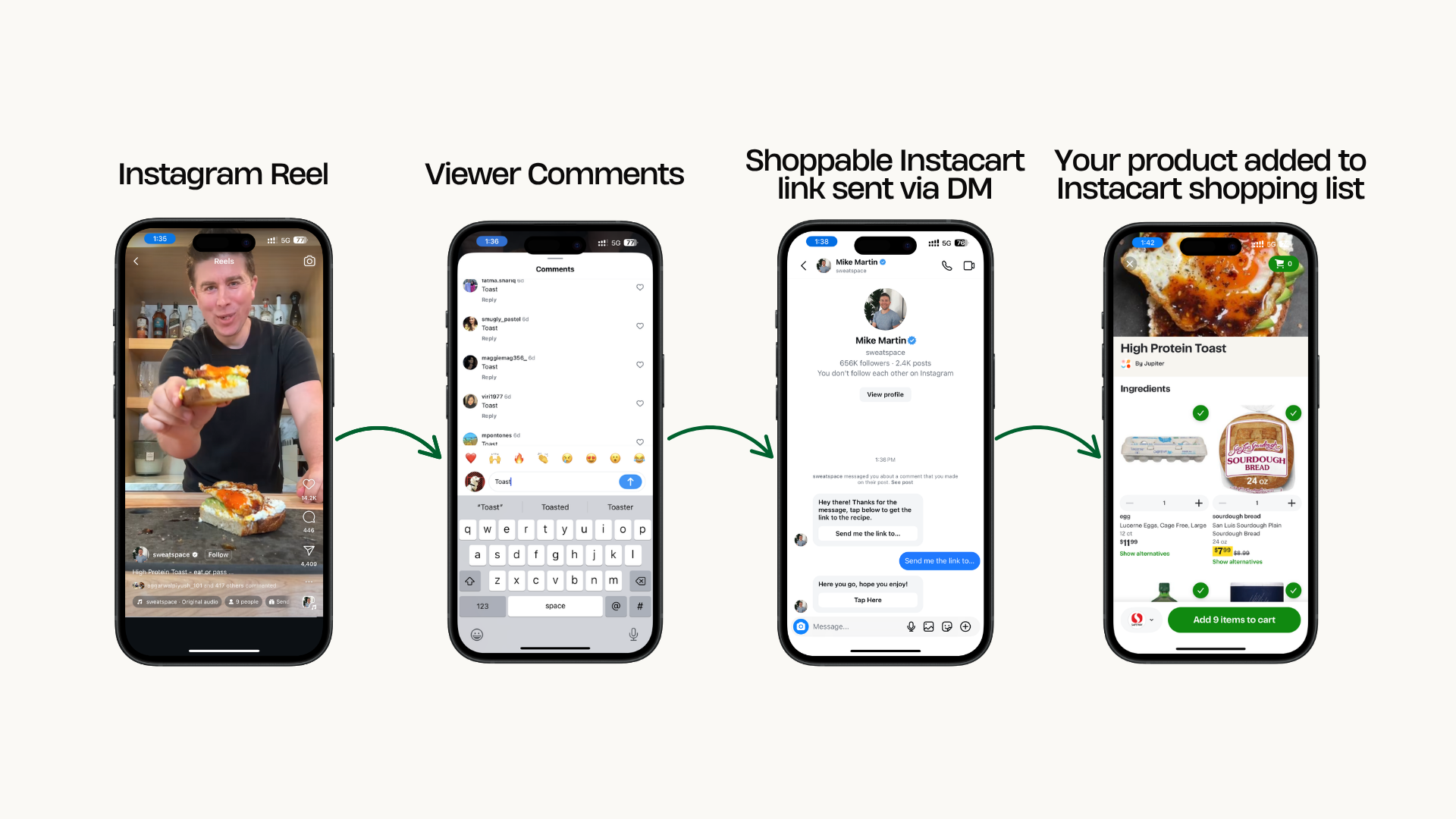
For Instagram specifically, comment-to-DM automation tools have become a near-necessity for food creators fielding "recipe please" comments at scale. This is a category where the built-versus-bought decision matters a lot: a dedicated automation tool is one more subscription and one more account to manage on top of everything else.
One Platform Instead of a Growing Subscription List
Jupiter replaces a recipe card plugin, a DM automation tool, a branded website builder, a brand deal platform, and Instacart affiliate setup, all free, all in one place.
Monetization and Brand Deal Tools
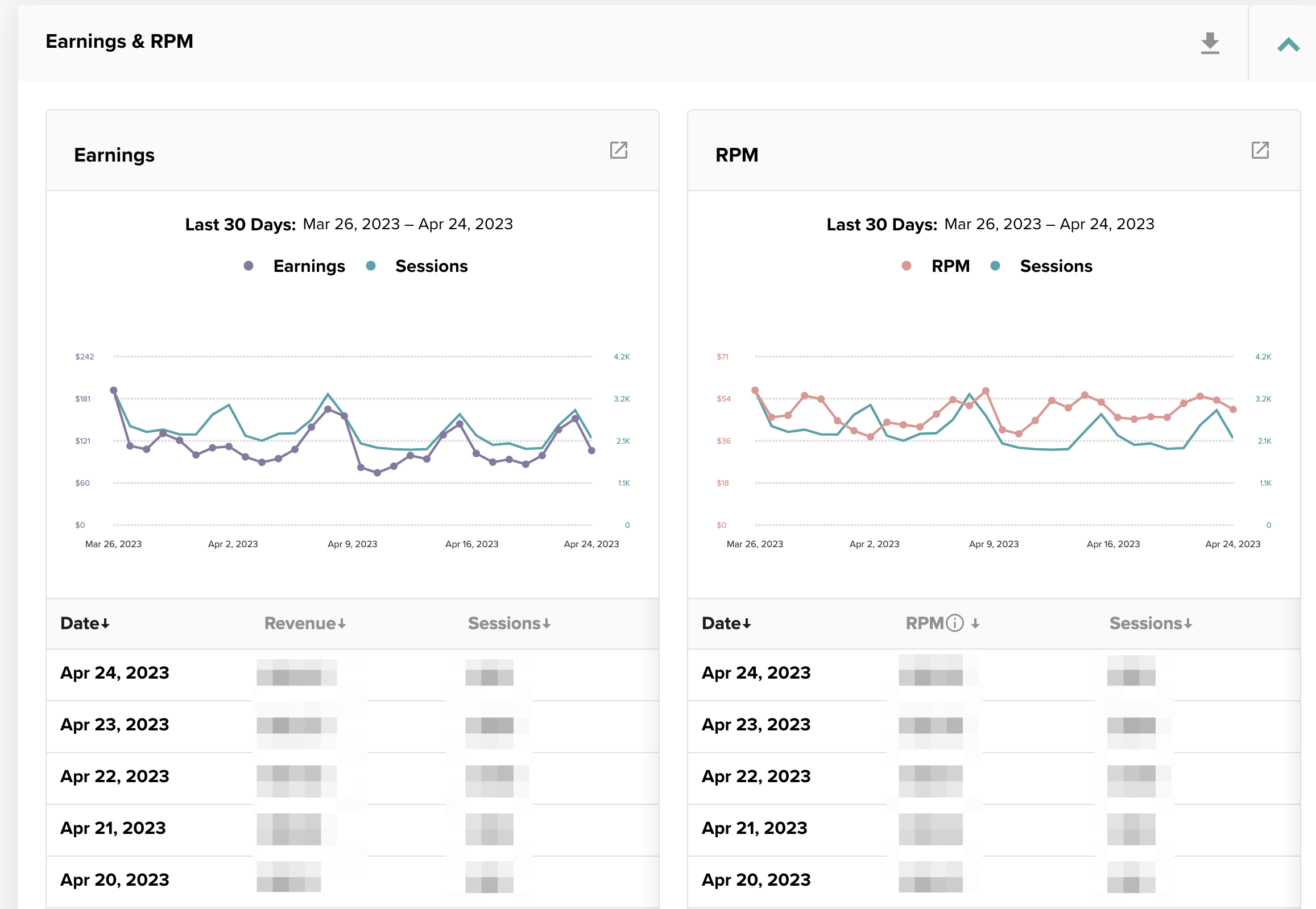
This is the category most beginner tool lists skip entirely, and it's arguably the most consequential one for actual income. A media kit template or generator helps present your numbers professionally to brands. A separate ad network dashboard (Mediavine, Raptive) tracks display ad performance once you qualify. And increasingly, brand deal marketplaces and creator networks exist specifically to connect food creators with CPG sponsors without cold-pitching each one individually.
The pattern across nearly every category on this list repeats here too: each tool solves one piece of the monetization puzzle, a media kit template, an ad network relationship, a brand deal connection, an affiliate setup, and a food blogger assembling all of them individually ends up managing several separate accounts, several separate learning curves, and in several cases, several separate subscription costs.
What a Consolidated Stack Actually Looks Like
Add up a typical food blogger's paid tool stack and it's not small: a recipe card plugin (roughly $50 to $100+ a year), an email marketing platform (often free at first, but a real cost once your list grows past the free tier), a DM automation subscription, and potentially a separate brand deal or influencer marketplace tool. None of these costs are unreasonable individually. Collectively, they add up to real recurring spend before a new blogger has earned a dollar.
Jupiter's approach is to fold several of these categories, recipe website, DM automation, brand deal access, and Instacart affiliate setup, into one free platform rather than asking creators to assemble and pay for each piece separately. That doesn't mean every tool on this list becomes unnecessary. Photography and editing tools, for instance, are a separate category entirely. But for the tools that exist specifically to solve problems created by building a food blog on generic, general-purpose infrastructure, a purpose-built platform is worth evaluating before defaulting to a plugin-by-plugin approach.
Join 1,000+ Creators Running Their Blog on One Free Platform
Jupiter creators have earned $3M+ collectively using a stack that includes a free recipe website, built-in DM automation, 65+ CPG brand partners, and Instacart affiliate commerce, no separate subscriptions required.